SharePoint App Catalog is a special site collection that holds all custom solutions, apps. App catalog is used to deploy the custom solution like SPFx solution package or SharePoint add in app package or other solutions.
But, when you have large number of sites in your sharepoint environment and user do not know the url of app catalog site then question will came in mind of user, How do I find the app catalog in sharepoint online, How do i get url of app catalog site in sharepoint etc.
We will provide you the ways to easily locate app catalog site in sharepoint online.
Option 1:
1 Sign into Office 365 as a global or sharepoint admin.
2 Go to the apps and select Admin.
3 Now under the Admin Centers click on the SharePoint admin center.
4 In SharePoint admin center, go to the Active sites.


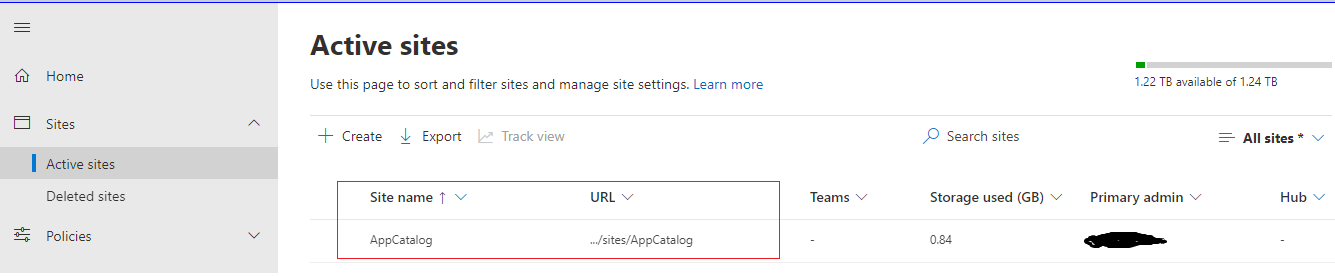
1 Sign into Office 365 as a global or sharepoint admin.
2 Go to the apps and select Admin.
3 Now under the Admin Centers click on the SharePoint admin center.
4 Now click on the More features.
5 In the right section, go to the Apps section.

6 On clicking of Apps, you will be navigate to the apps page. Select App Catalog


Thanks!!!!!!!!
Great article. Thanks.
ReplyDeleteIt's very helpful.
ReplyDelete